PostgreSQL-server

ODBC-connection to PostgreSQL

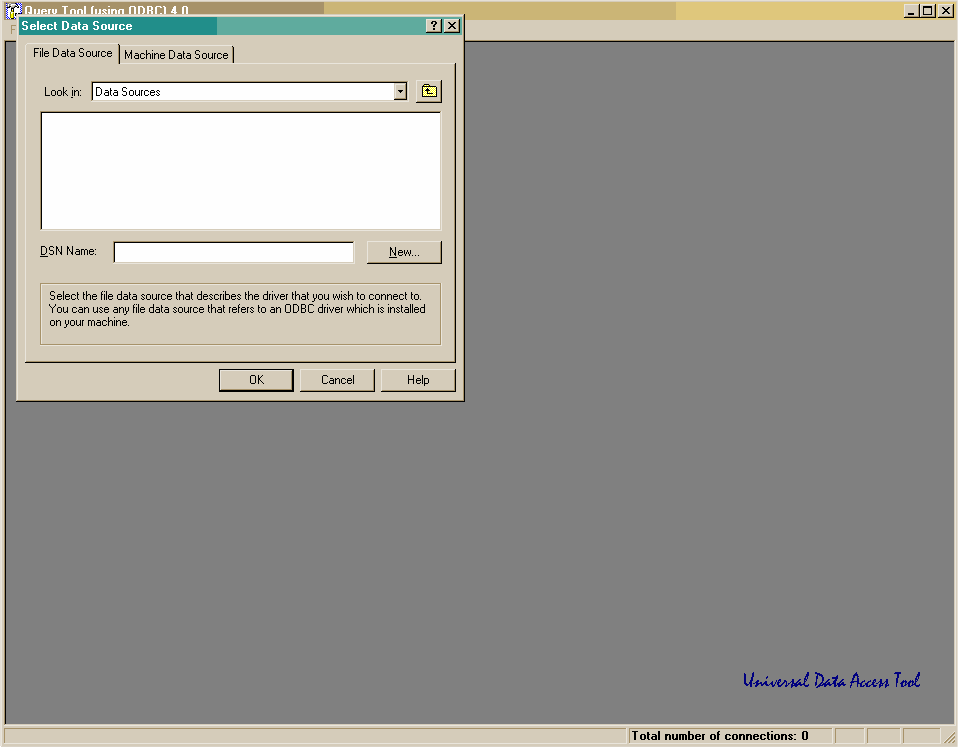
  1. Start ODBC Query Tool (Start|ODBC Query Tool).
    ODBC Query toolin näkymä heti ohjelman käynnistämisen jälkeen
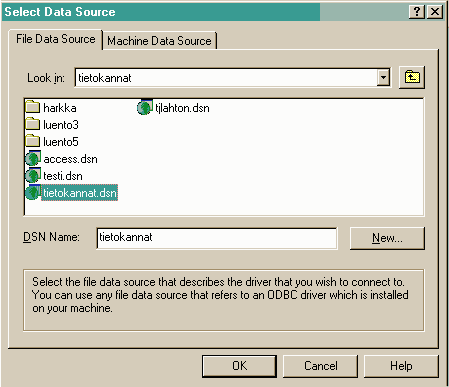
  2. First you must define the Data Source. Choose New.
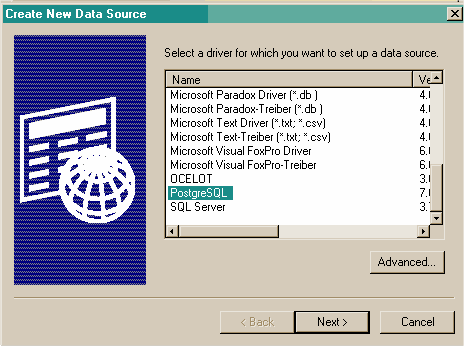
  3. Choose the PostgreSQL-driver.
    ODBC-ajuriksi valitaan PostgreSQL
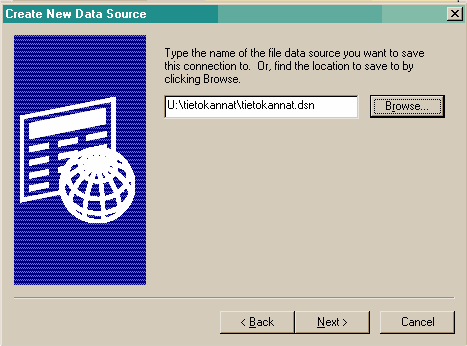
  4. Give a name to the ODBC-connection.
    ODBC-ajurin asetuksien tallentaminen
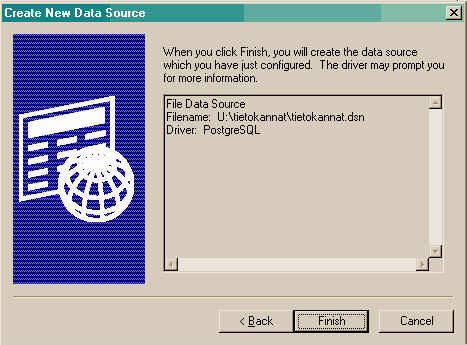
  5. Choose Finish.
    tietolähteen luomisen viimeistely
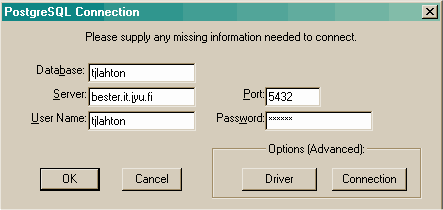
  6. Fill in the information requested by the PostgreSQL-drivers. ODBC-yhteyden määritykset
    Choose OK.
  7. And again choose OK.
    ODBC-yhteyden määritykset
  8. Password (your account) is not saved so you have to give it again before you can get the connection open
    ODBC-yhteyden määritykset

Using ODBC Query Tool

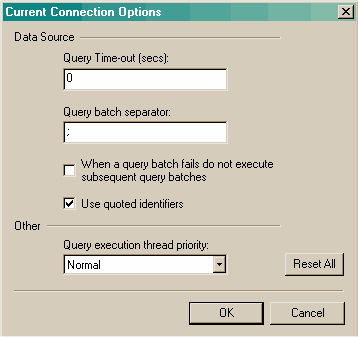
  1. First change some options in Query|Current Connection Options. Change the Query batch separator to ;. and remove the mark from When a query batch fails do not execute subsequent query batches.

  2. ODBC-yhteyden määritykset
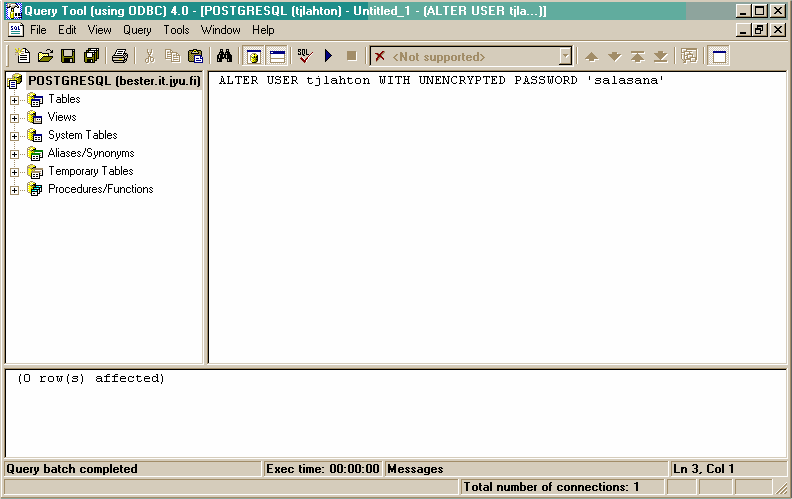
  3. Next change your password:
    ALTER USER <your account> WITH UNENCRYPTED PASSWORD 'new password';
    Write the previous line in the ODBC Query Tools editor-window and execute it with F5 or pressing Execute Query (F5).
    Salasanan vaihtaminen
http://appro.mit.jyu.fi/2002/yhteistoiminta/tietokannat/demot/server.html
© Tommi Lahtonen ()<URL: http://www.iki.fi/hazor/>
12.08.2002 10:36:10